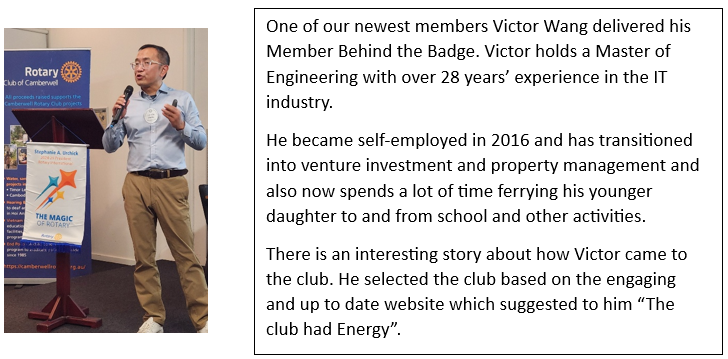
|
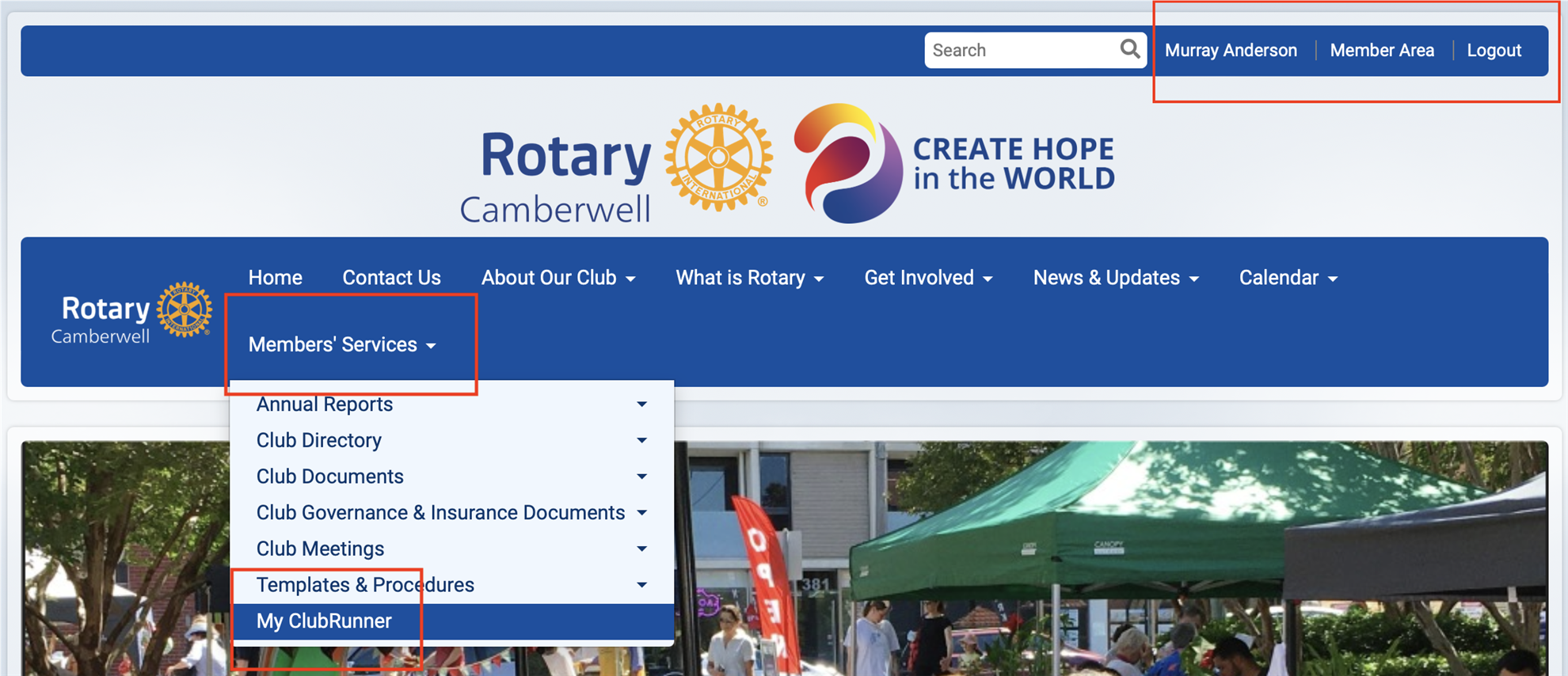
By now you would have received a number of Signup Confirmation emails from Alan Lorenzini. Alan has allocated you to these Shifts based on your previous availability and workload. It's important you record these Volunteer Shifts in your diary/calendar, and if you use a digital calendar, you can click on the "event-details-ics" file at the bottom of the email - this will put the shift straight into your digital diary. But would you like to see a list of all your Shifts in one place? Of course you would, and it's easily done: - Go to our Club website. Make sure you are logged in
- Click on "Member's Services" on the Home Page Menu Line, and select "My ClubRunner"
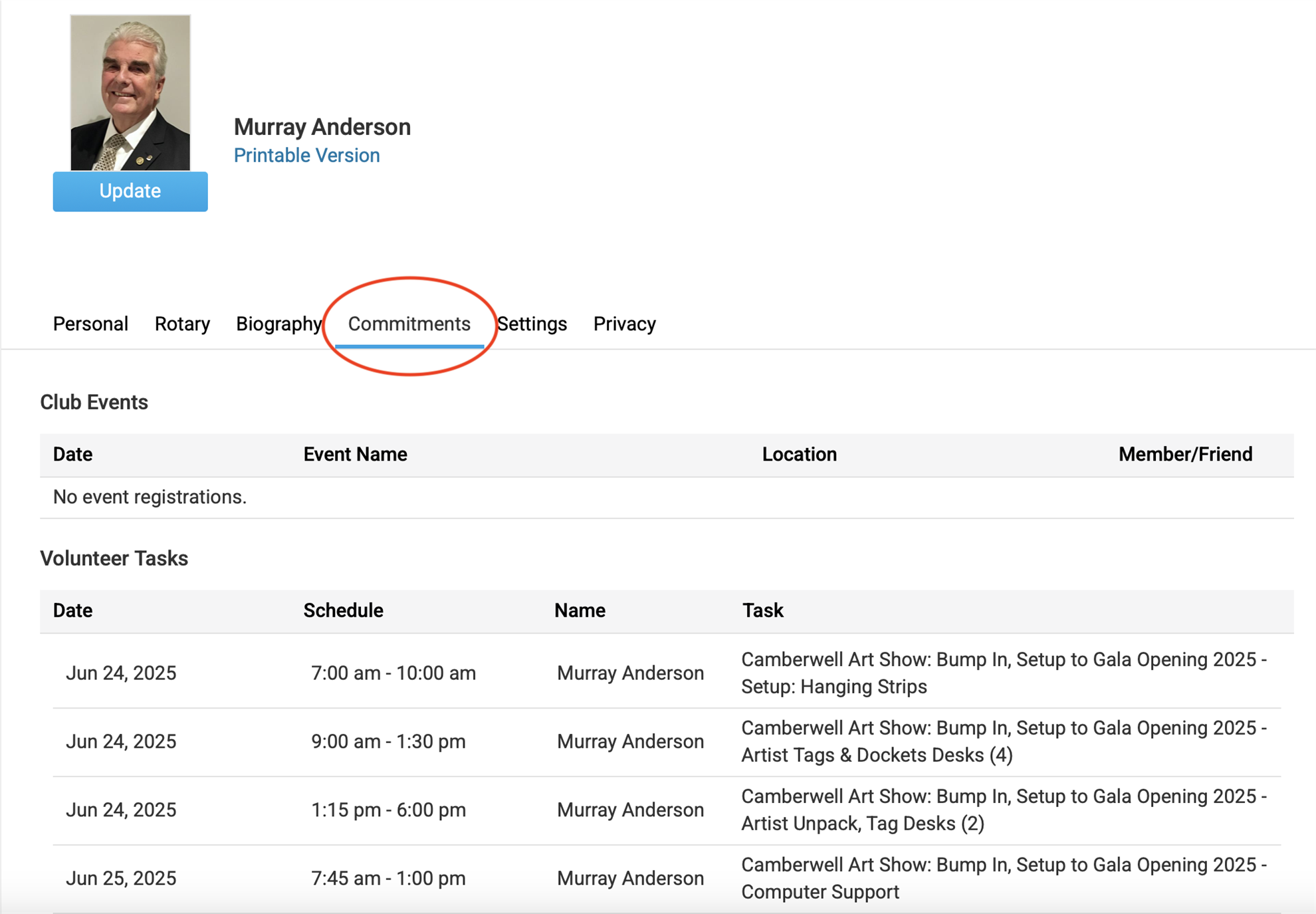
 - Select the "Commitments" option, and there are all your Volunteer Tasks listed:
So you now can check and make sure all your Shifts are in your Calendar, either manual or digital. Remember the Art Show does not function efficiently if people do not attend for their allocated Shifts. Murray Anderson ClubRunner Corner |